
Price Calculator
3D Glitter Puff Transfers - 1 Color Print
Add a DTF Sample Pack to Cart - $0.01 - Add to Cart
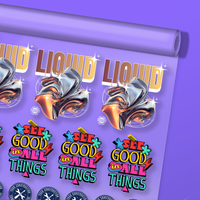
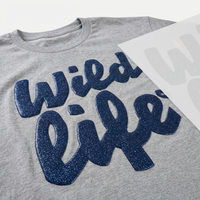
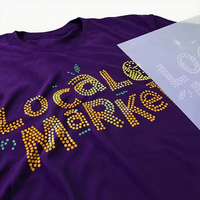
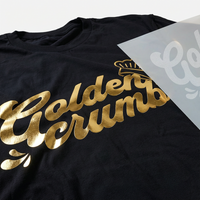
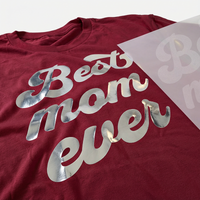
Elevate your designs with our 3D Glitter Puff transfers! Add a distinctive, puffy texture to your one-color artwork using our screen-printed glitter Puff transfers. Perfect for any material
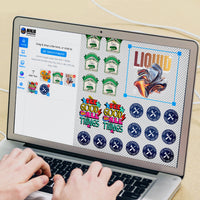
Upload your file
File should be an image Like
Upload your file(s)
Drag and drop file(s) here or click to browseLogin to see your designs
Please Wait
We're making sure your upload is perfect for printing.
This may take a few seconds.
Cropped size 0.00" x 0.00"
We have detected that your image has a low DPI and may result in poor print quality at larger sizes
Yellow
White
Black
After uploading
Choose your Size, Color & Quantities, and view your price
Upload your art
After uploading
Choose your Size & Quantity, and view your Price.
-
Art Requirements
-
AI Template
-
PDF Template
Ninja Rewards!
Great news! You're automatically enrolled in Ninja Rewards with your first purchase, no sign up required. You'll start earning points immediately, making it easy to enjoy rewards from the beginning!
If you're already a member log in at checkout to earn and redeem points.
Product Details
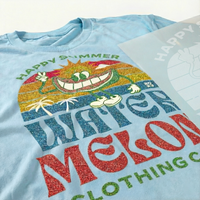
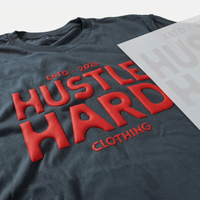
Our Glitter 3D Puff Screen Print Transfers are made using specialty plastisol ink that expands when pressed, creating a bold, raised, glitter-packed effect. Get the height and sparkle you want -- without weeding vinyl. Just press and watch your design come to life with premium texture and shine!
Features
- Works on Popular Fabrics: Engineered for bright, bold results on 100% cotton, cotton/poly blends, canvas, and tri-blends.
- Premium Glitter 3D Puff Quality: Screen-printed with specialty inks to deliver raised, textured sparkle and retail-ready dimension.
- Pro Designer Review: Every file is checked by our design team to ensure clean edges, proper puff effect, and best possible results.
- 100% Satisfaction Guarantee: If you're not thrilled with your transfers, we’ll reprint at no cost — guaranteed.
Satisfaction Guarantee
We stand behind the quality of every transfer and sticker we print. If you’re not completely satisfied, we’ll reprint your order with a new or revised file at no cost to you.
Pressing Instructions
Click here to watch our step-by-step 3D Puff pressing instructions.
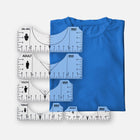
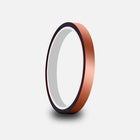
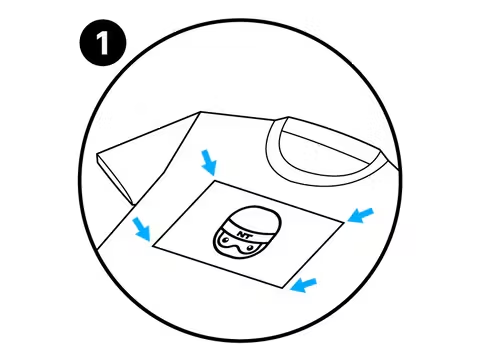
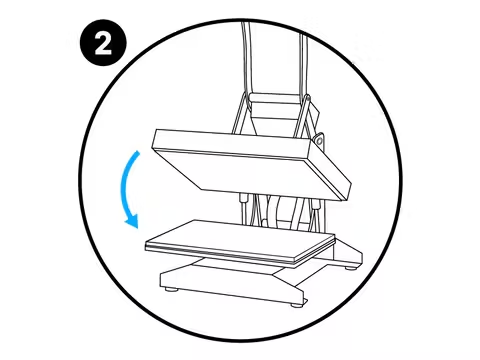
- Position Your Design Face Down: Take your time to line up your transfer in the desired location on your item. Normally, there is no need to use heat-resistant tape on flat heat presses to keep your design in place, however it is highly recommended when pressing transfers onto hats or when using an iron to keep the transfer in place. You’ll get a feel for when this is needed. For more precise positioning, use our DTF Alignment Ruler Set.
- Press: Press your transfer with heavy pressure at 350°F / 175°C for 7 seconds.
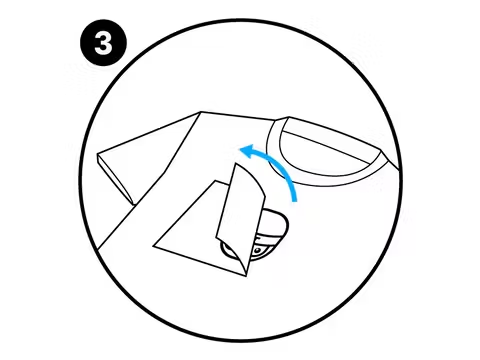
- Peel: 3D Puff Transfers are a Hot Peel that needs to be peeled immediately.
Care Instructions
For optimal care of puff transfers, we recommend the following steps:
- Turn the garment inside out before washing.
- Use cold water for washing.
- Air dry the garment or tumble dry on a low setting.
Following these guidelines will help preserve the quality and longevity of the print.
Shipping & Returns
All Puff orders ship UPS Ground 1-3 days after purchase. Orders over $99 will automatically qualify for Free Shipping.
Read our Shipping Policy for more information.
Refunds & Reprints
Contact us within 45 days of receiving your order to submit a request for a refund or reprint. We will reprint any order where there is a print quality or adherence issue. However, we will not issue a reprint if the uploaded file is low quality. If you'd like a refund or reprint for another reason, it must be approved by management first.
Art Upload Recommendations
All file types accepted, vector files are always preferred, raster art should be at least 300 DPI.
Tip: If you're using Canva or Procreate, we recommend exporting your documents as PDFs
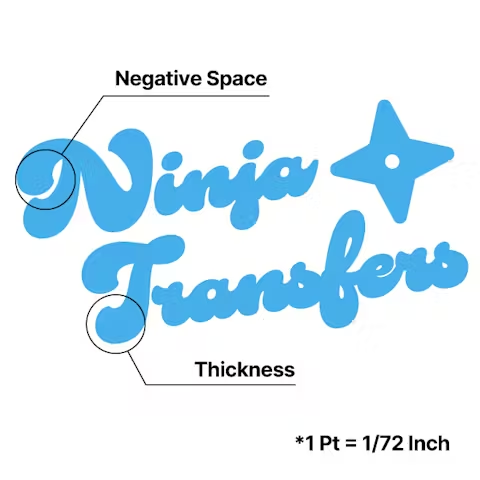
Minimum Size: While DTF handles fine details well, elements smaller than 0.02 inches (0.5mm) may not transfer properly
Art Requirements
Avoid Multi-Color Designs
Focus on Bold Texts
Define Margins
Application Instructions
Place
Press
Peel
-
DTF Transfers
-
UV DTF 3D PermaStickers
-
Specialty DTF
-
Stickers & Magnets
-
Free Tools & Designs
-
Support
- FAQs
Chat
Available 24 hours a Day. 7 days a Week. 365 Days a Year.
Phone
Mon-Fri: 8:00am - 12:00am EST
Sat-Sun: 9:00am - 5:00pm EST
2727 Commerce Way
Suite 100
Philadelphia, PA 19154
Ninja Fast Delivery from Both Coasts
Customer Login
Reset your password
We will send you an email to reset your password.
Remove File
Are you sure you would like to remove this file?
Remove File
Are you sure you would like to remove this file?
Use our AI image generator to create stunning logos and designs. Short or long prompts, just try it.
Ai prompt guideBackground
Adjustable Filters
Color Effects
Layers
Add
Choose Add Text or Upload Image from the top menu.
Edit
Click an existing object to open its property editor.
Organize
Manage element order in Layers and adjust your artboard under Canvas.
Example Prompt
Example Output
Remove File
Changes you made may not be saved.
Remove Pre Cut Option
Are you sure you want to remove the Pre-Cut option from all of your DTF Transfers by Size items in your cart?
Decorate Your Shirts With DTF Transfers
- Print Anything on Anything
- No Minimums or Setup Fees
- Next Day Delivery
