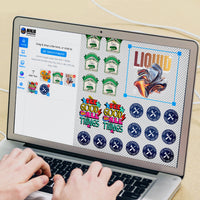

Step 1: Customize Your Image
AI TOOLS
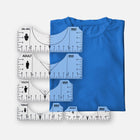
Ninja Size Guide
Hover over any image to enlarge
Change your preview items to any color below:
Custom Stationery Transfers FREE Upgrade to VIVID AFVIVID AF
- Works on Any Fabric or ColorAny fabric or color
- Certified for 100+ Washes100+ Washes

Ninja Transfers Easy Peel DTF Transfers have been rigorously tested to ensure long-lasting durability. After undergoing 100 machine wash cycles (80°F, normal cycle, line dry) on a 100% cotton shirt, the transfers were evaluated for color retention, peeling, cracking, and overall integrity. The results were overwhelmingly positive, with a “Satisfactory” grade across all criteria, including negligible hand-feel change and no significant signs of delamination or print detachment.
- Vibrant Colors & Ultra-fine DetailsVibrant Colors & Details
- 100% Satisfaction GuaranteedSatisfaction Guaranteed
Upload Your Artwork
Upload your files (up to 25)
Drag and drop files here or click to browse
BrowseLog in to see your designs
Sign in to browse and re-use artwork from your previous orders and uploads.
LoginCreate something in seconds.
Describe what you want or tap an idea below to see it in action.
Recently Generated
Step 2: Choose your Transfer Sizes
Need help with sizing? Choose a
Select a print area and we’ll size it for you. We scale your design to the maximum width or height suggested for your selected print area. Your artwork is always resized proportionally to maintain its original shape.
Smart Sizing Applied We automatically scale your design to the largest dimension of the popular size you choose, ensuring you only pay for the space you need. For example, a 4”×8” upload becomes 1”×2” when you select a 2”×2” size.
Buy More & Save w/ Cumulative Discounts
We count every DTF Transfer & UV DTF Sticker in your order to ensure you receive the maximum discount per piece.
Ninja Guarantee: Perfect Prints · Free Art Review · No Extra Fees!
Step 3: Final Touches
What is Pre-cut?
Save time and effort by letting us pre-cut your transfers! Ready to apply right out of the box, these are perfect for fast, hassle-free application.
Add another design
BrowseDrag and drop files (Up to 25)
or
Finance with Buy Now Pay Later options

Gildan G500 Adult 5.3 oz.

Bella + Canvas 3001C Unisex

Gildan G185 Sweatshirt

Gildan Youth 5.3 oz

Bella 6004 Ladies' T-Shirt
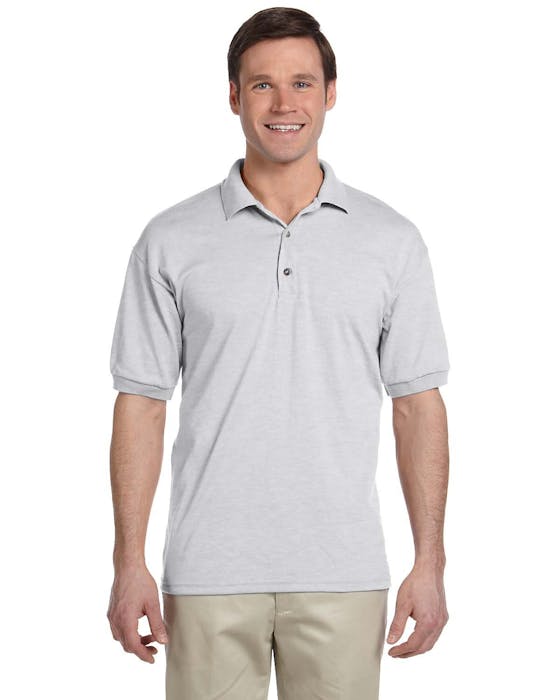
Gildan G880 Jersey Polo
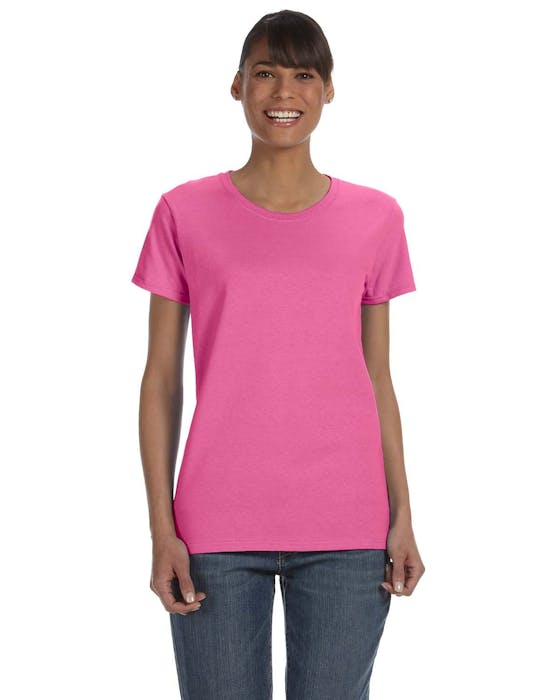
Gildan G500L Ladies 5.3 oz
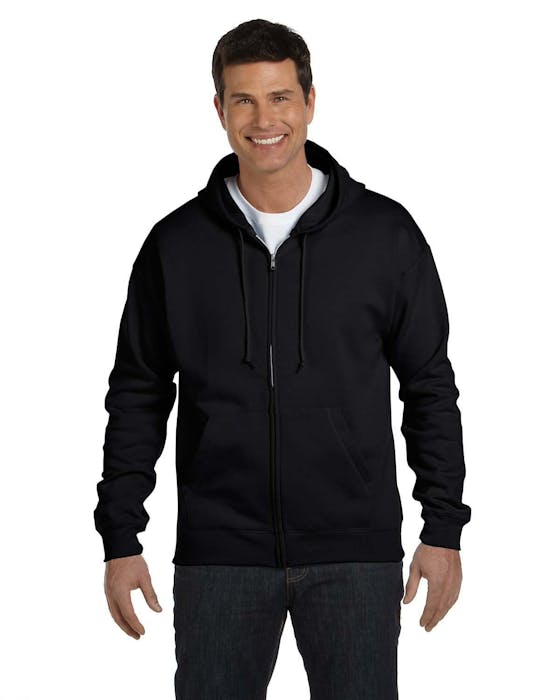
Hanes P180 Adult Jacket
Product Details
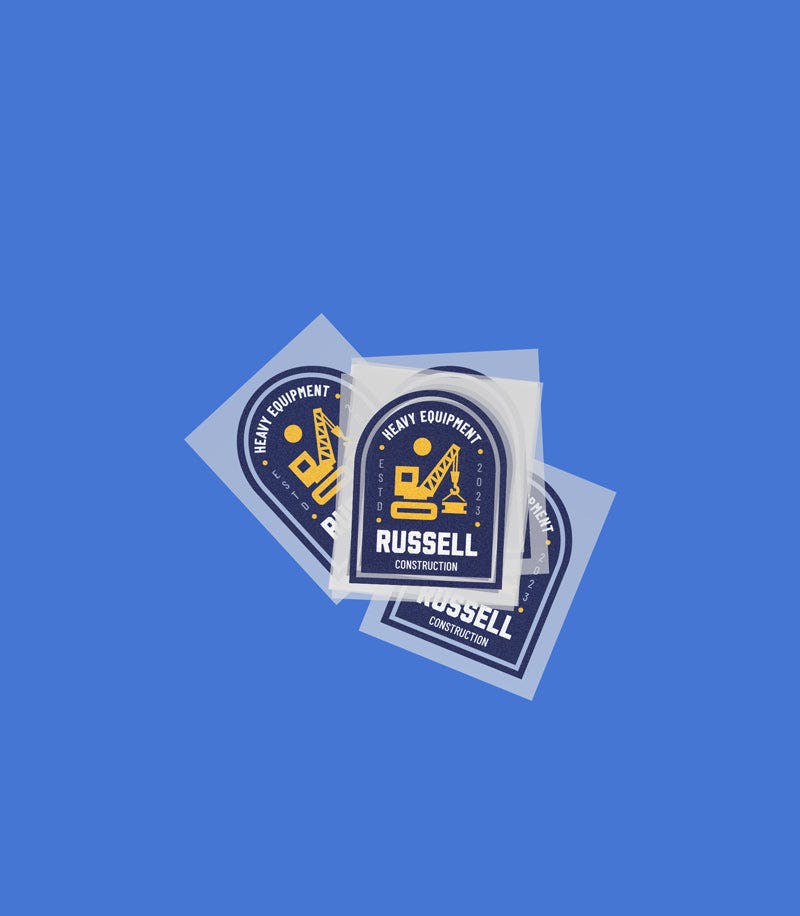
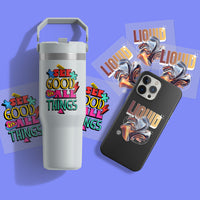
Custom iron-on transfers for paper, cardstock, and specialty stock — printed in full color and ready to press. Whether you're making DIY wedding invitations, handmade greeting cards, scrapbook pages, or craft projects, Ninja Transfers delivers professional-quality results without the cost of a print shop.
Every transfer is printed directly by Ninja using premium DTF film, ink, and adhesive powder. They arrive ready to press — no cutting, no weeding, no setup. Just position, press, and peel.
Our heat-press DTF transfers are repositionable before pressing, so you can align your design perfectly on invitations and cards before committing. Unlike UV sticker transfers, there's no one-shot risk — get it right, then press.
Features
- 16.7 Million Printable Colors: Powered by our VIVID AF DTF process with an expanded CMYK + RGBO + White ink system for brighter whites, richer saturation, smoother gradients, and sharper detail.
- Print Any Design on Any Garment: Delivers consistent results on virtually any fabric type, color, or level of stretch.
- Tested for 100+ Washes: Our transfers are designed to maintain their quality and vibrancy through extensive washing, lasting up to and beyond 100 washes. This durability is a testament to our rigorous testing, ensuring our transfers stand up to everyday wear and tear.
- Easy Application: Our transfers are quick and easy to apply, requiring no weeding or pretreatment. Simply position and press the transfer to achieve professional-quality results far faster than traditional methods.
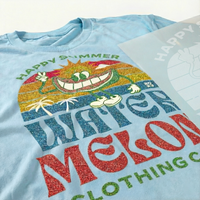
- Soft to the Touch: DTF transfers provide an amazingly soft hand-feel, resulting in a smooth and comfortable finish. Unlike vinyl transfers and DTG printing, which can leave a stiff or gritty texture, DTF transfers ensure a superior and comfortable finished product.
- Expert Order Review: Every order is reviewed by one of our 50+ professional designers to ensure optimal print quality. Optional background removal and minor artwork cleanup available when notes are left at checkout.
Satisfaction Guarantee
We stand behind the quality of every transfer and sticker we print. If you’re not completely satisfied, we’ll reprint your order with a new or revised file at no cost to you.
Pressing Instructions
If you're ordering any specialty transfers, click here to find the appropriate pressing instructions videos.
Click here to watch our DTF Transfer Pressing Instructions Tutorial Video.
To ensure your DTF transfer looks professionally pressed every time, follow these four simple steps.
1 - No Need To Pre-Press or Pre-Iron
Removing moisture and wrinkles from the product is unnecessary with Ninja Peel Transfers. Only do a prepress if you prefer.
Pro Tip: If you’re pressing onto a garment or surface you haven’t worked with before, we recommend doing a small test press first to confirm the settings and ensure the best results.
2 - Position Your Design
Position your transfer in the desired location and make sure it is flat before pressing. You can press across seams, for example on 6-panel hats and side seams of t-shirts. Heat-resistant tape is recommended when pressing on hats or when using a household iron to prevent the transfer from moving. You'll learn when it's needed with experience.
3 - Press & Peel after a few seconds
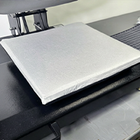
Press the transfer at 310°F / 155°C with medium to high pressure for ~12 seconds. It is recommended to test one piece first. Use parchment paper or order Ninja’s Silicone Upper Platen Cover (avoids scorching and replaces parchment paper) to protect your garment from touching the iron directly.
Wait a few seconds and peel! If parts of the design are not sticking, lay it back down and press again with added pressure and heat (+15°F). If unsuccessful, increase heat by 15°F increments until it transfers correctly. Remember, the great thing with NinjaTransfers is that repeated pressing won't damage the transfer.
If your settings are scorching the garment, the first step would be to reduce pressure. If that doesn’t work, retain the reduced pressure and reduce the heat by 10-15°F. With a little practice, you’ll find the right settings for each garment and material.
4 - Final Press & Wash Instructions
Important: While the majority of other DTF companies advise you to press it just once, this is improper. After hundreds of wash tests, we have found that a final press is imperative to create a superior product. After the design is transferred onto the garment, with the film peeled off, cover the design with provided parchment paper and press for 15 seconds. Doing so enhances the value of your product by greatly improving the durability and softness as well as reducing the shine.
For step-by-step pressing instructions for household irons or a Cricut EasyPress, click here.
Shipping & Returns
Orders over $75 of transfers and supplies will automatically qualify for Free Shipping. Express shipping options as fast as 1 Business Day available at checkout. For Canadian customers, orders of $99+ will qualify for Free Shipping.
Read our Shipping Policy for more information.
Refunds & Reprints
Contact us within 45 days of receiving your order to submit a request for a refund or reprint. We will reprint any order where there is a print quality or adherence issue. However, we will not issue a reprint if the uploaded file is low quality. If you'd like a refund or reprint for another reason, it must be approved by management first.
Art Upload Recommendations
All file types are accepted. Vector files are recommended for the best results, and raster artwork should be at least 300 DPI. For optimal color accuracy and vibrancy, we recommend designing in the Adobe RGB (1998) color profile.
Minimum Size: While DTF handles fine details well, elements smaller than 0.02 inches (0.5mm) may not transfer properly.
Tip: If you're using Canva or Procreate, exporting your document as a PDF is recommended.
The Next Generation of DTF Transfers
VIVID AF is Ninja’s new standard—upgrading prints from the industry-standard 5-color DTF to 9-color for brighter colors, smoother gradients, and truer matches at no extra cost. Same prices, same settings, same durability—just better prints.
|
Ninja's Standard DTF
VIVID AF, 9-Color Printing
|
Competitor's Standard DTF
BORING AF, 5-Color Printing
|
|---|---|
|
9-Color Printing (CMYK + RGBO + White)
|
5-Color Printing (CMYK)
|
|
16.7 Million Colors
|
~20,000 Colors
|
|
Noticeably Brighter & More Saturated Prints
|
Muted / Dull Prints
|
|
Near Perfect Pantone Matching
|
Inconsistent / Washed Out
|
Ninja Delivers Vivid Prints & Higher Profits
Every print you press should boost your bottom line — and with Ninja, it does. Our vivid DTF transfers combine sharper colors, stronger durability, and cleaner detail that sells.
Ninja's DTF Transfers deliver vibrant, durable prints on any material — from hats, workwear to nylon and denim.
Works on Any Fabric or Color
Our specially formulated DTF inks deliver deeper colors, a wider color range, and the brightest white ink in the DTF industry
Unrivaled Color Spectrum & Brighter Whites
Our DTF transfers stretch without cracking and hold up over 100+ washes, thanks to our premium film, ink, powder, and pressing process
Stretchability Means Durability
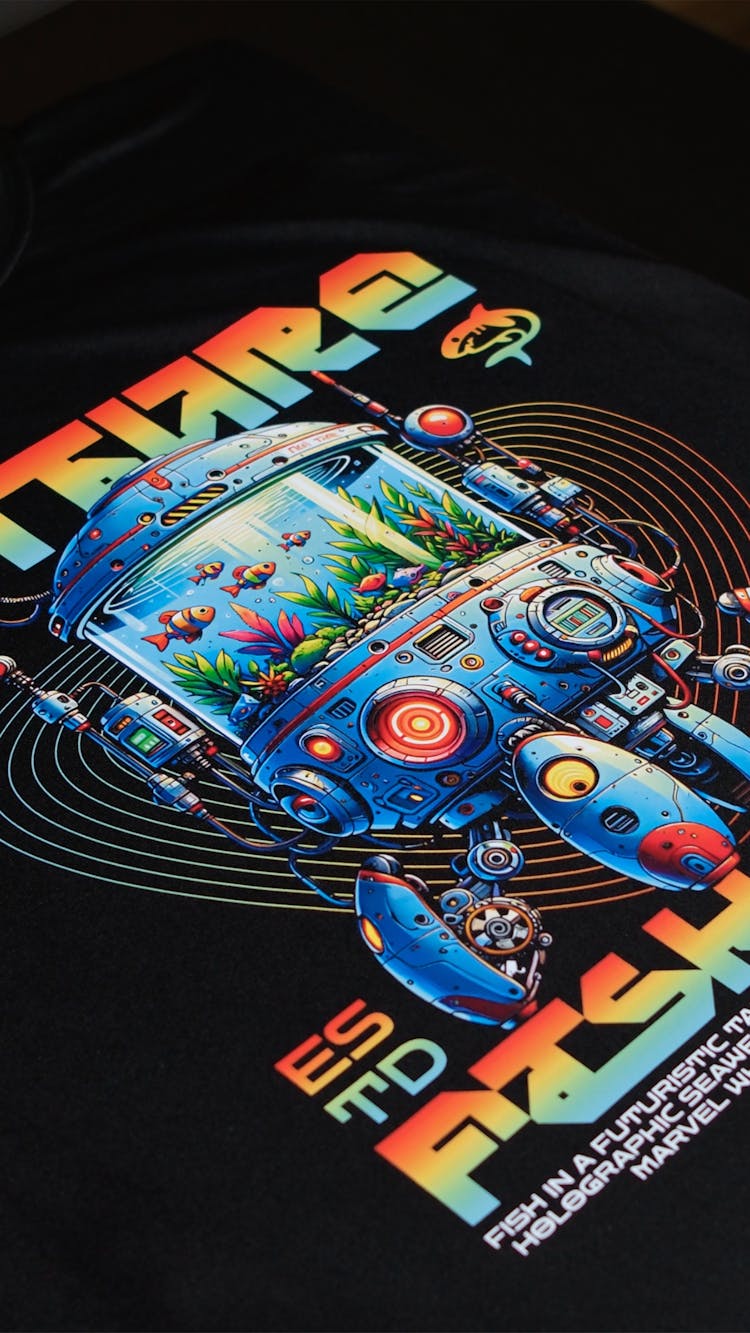
Our transfers capture details as fine as 3 pixels, delivering cleaner edges and sharper text—even on separated elements.
Sharper Details & Cleaner Edges
Ninja's DTF Transfers deliver vibrant, durable prints on any material — from hats, workwear to nylon and denim.
Works on Any Fabric or Color
Our specially formulated DTF inks deliver deeper colors, a wider color range, and the brightest white ink in the DTF industry
Unrivaled Color Spectrum & Brighter Whites
Our DTF transfers stretch without cracking and hold up over 100+ washes, thanks to our premium film, ink, powder, and pressing process
Stretchability Means Durability
Our transfers capture details as fine as 3 pixels, delivering cleaner edges and sharper text—even on separated elements.
Sharper Details & Cleaner Edges
Easily Applies in Seconds
Thanks to our proprietary Ninja Peel Technology, our DTF Transfers deliver professional results in just 13 seconds — making it easier than ever to press on anything!
Ninja Transfers Customer Feedback
Glitter DTF
Glitter DTF creates bold, sparkling designs that instantly stand out
3D Puff Transfers
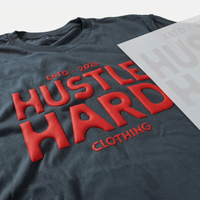
Puff transfers deliver raised, textured designs without any weeding
Spangle Transfers
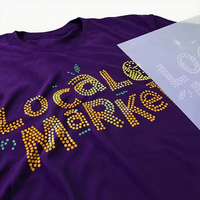
Durable, holographic Spangle Transfers make any design instantly pop
Gold Foil DTF
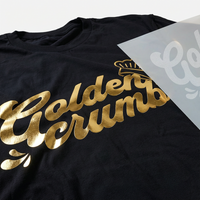
Durable Gold Foil DTF adds premium metallic accents effortlessly
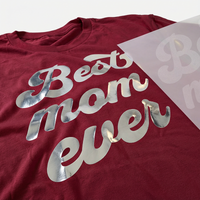
Silver Foil DTF
Silver Foil DTF brings crisp, reflective metallic detail effortlessly
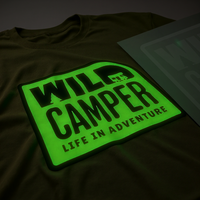
Glow in the Dark DTF
Glow coatings create bold, high-contrast designs that shine brilliantly
3D Glitter Puff Transfers
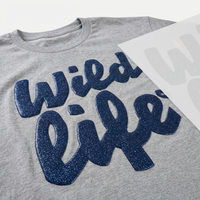
Glitter Puff transfers deliver vibrant, raised sparkle effects beautifully
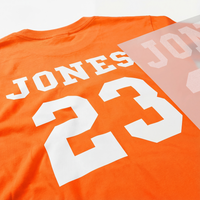
Names & Numbers Gang Sheet
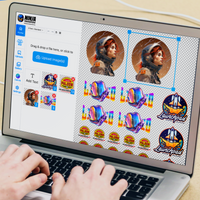
Easily create a Names & Numbers DTF gang sheet with our Gang Sheet Builder
-
DTF Transfers
-
UV DTF 3D PermaStickers
-
Specialty DTF
-
Stickers & More
- Consumables
-
Free Tools & Designs
-
Support
- FAQs
Official Partner of the Philadelphia 76ers
Chat
Available 24 hours a Day. 7 days a Week. 365 Days a Year.
Phone
Mon-Fri: 8:00am - 12:00am EST
Sat-Sun: 9:00am - 5:00pm EST
2727 Commerce Way
Suite 100
Philadelphia, PA 19154
Ninja Fast Delivery from Both Coasts
Turn Your Blanks into Custom Apparel with DTF Transfers
Drop your design here
Your file won’t be saved.
Edit with AI
×
Transforming your image
with AI magic
As we cannot control the results of AI tools, we disclaim all liability and you assume full responsibility when using this feature in compliance with trademark and copyright law and our terms of service.
Our AI Editor can do ALMOST anything. Describe the changes you’d like to make.
Not quite right?
Start OverRemove File?
Leave the AI Editor?
Your AI edits haven't been saved yet. Want to keep working on them?
客户登录
重置您的密码
我们将给您发送一封电子邮件以便让您重置密码。
What do you want to make?
Not sure where to start? Tap an idea below, or describe your own.
Recently Generated
Background
Adjustable Filters
Color Effects
Layers
Add
Choose Add Text or Upload Image from the top menu.
Edit
Click an existing object to open its property editor.
Organize
Manage element order in Layers and adjust your artboard under Canvas.
Example Prompt
Example Output
What would you like to create?
Start your next project by choosing one of the options below, or jump straight into a blank canvas.
Edit with AI
×
Transforming your image
with AI magic
As we cannot control the results of AI tools, we disclaim all liability and you assume full responsibility when using this feature in compliance with trademark and copyright law and our terms of service.
Our AI Editor can do ALMOST anything. Describe the changes you’d like to make.
Not quite right?
Start OverRemove File
Leave the AI Editor?
Your AI edits haven't been saved yet. Want to keep working on them?
Remove File
Changes you made may not be saved.
Remove Pre Cut Option
Are you sure you want to remove the Pre-Cut option from all of your DTF Transfers by Size items in your cart?
Decorate Your Shirts With DTF Transfers
- Print Anything on Anything
- No Minimums or Setup Fees
- Next Day Delivery
Did you mean to visit our UK site?
It looks like you’re visiting from the UK or Ireland. Would you like to head over to our UK store instead?