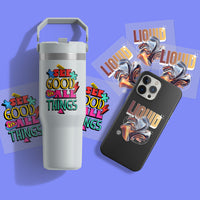

I Can't Have Kids My Dog Is Allergic
Add a DTF Sample Pack to Cart - $0.01 - Add to Cart
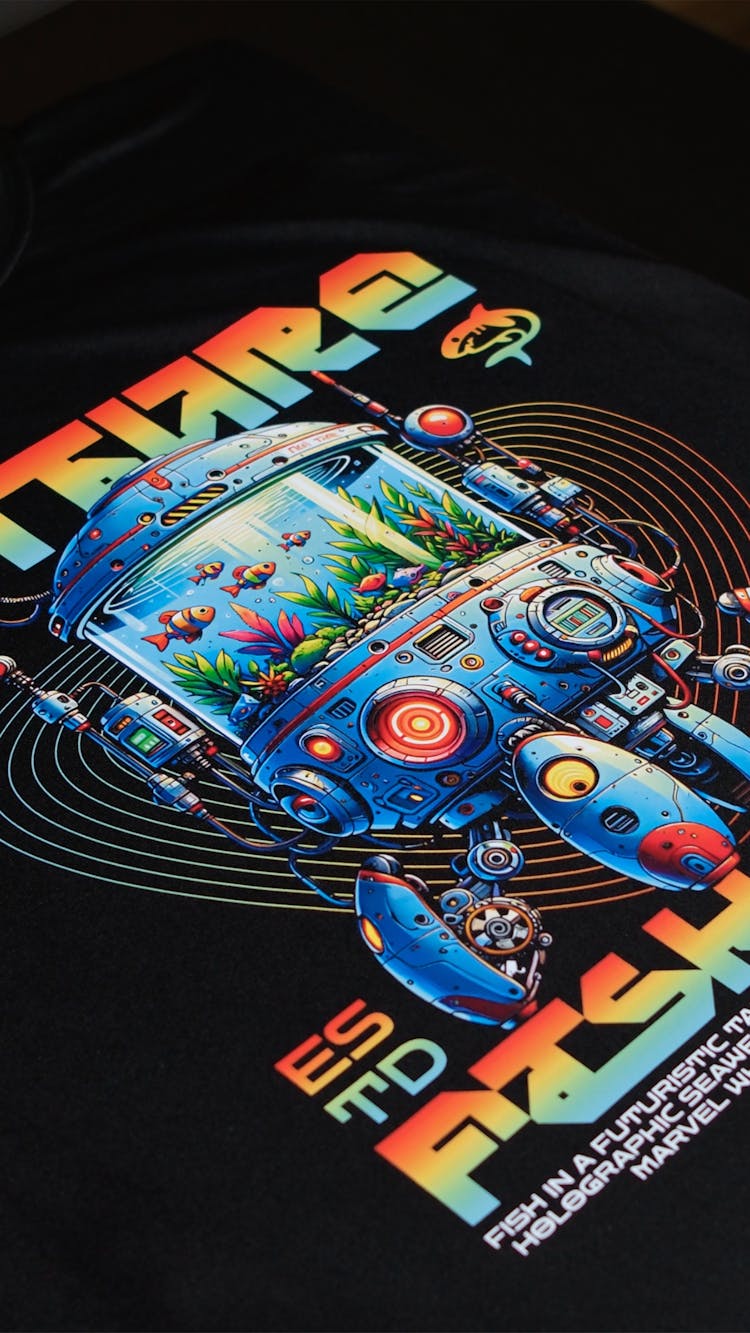
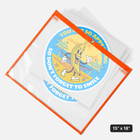
Level up your Dogs crafting experience with our premium "I Can't Have Kids My Dog Is Allergic" DTF Transfer designs! Immerse yourself in the Dogs' world as you create this incredible Dogs-themed masterpiece on your chosen fabric. Skip the design process – each detail has been meticulously perfected, exclusively for your crafting pleasure.
Product Details
Elevate your creative projects with our "I Can't Have Kids My Dog Is Allergic" DTF Transfer, offering unmatched quality and vibrant colors to guarantee flawless application on every occasion. Whether you're a passionate DIY enthusiast, a small business owner, or just someone seeking to craft unforgettable dog-themed apparel, this transfer ensures professional-grade results with ease, eliminating any hassle in the process.
Features
- Ready-to-Press: Skip the design process – this transfer is all set for pressing, saving you valuable time and effort.
- High-Quality Print: Expect sharp details and eye-catching hues that remain vivid even after numerous washes.
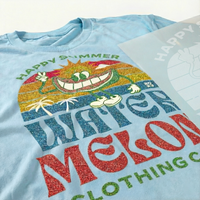
- Versatile Application: Revamp t-shirts, tote bags, home decor, and more with this versatile transfer, letting your creativity run wild.
Satisfaction Guarantee
We stand behind the quality of every transfer and sticker we print. If you’re not completely satisfied, we’ll reprint your order with a new or revised file at no cost to you.
Pressing Instructions
If you're ordering any specialty transfers, click here to find the appropriate pressing instructions videos.
Click here to watch our DTF Transfer Pressing Instructions Tutorial Video.
To ensure your DTF transfer looks professionally pressed every time, follow these four simple steps.
1 - No Need To Pre-Press or Pre-Iron
Removing moisture and wrinkles from the product is unnecessary with Ninja Peel Transfers. Only do a prepress if you prefer.
2 - Position Your Design
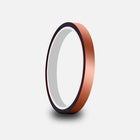
Position your transfer in the desired location and make sure it is flat before pressing. You can press across seams, for example on 6-panel hats and side seams of t-shirts. Heat-resistant tape is recommended when pressing on hats or when using a household iron to prevent the transfer from moving. You'll learn when it's needed with experience.
3 - Press & Peel after a few seconds
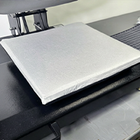
Press the transfer at 310°F / 155°C with medium to high pressure for ~12 seconds. It is recommended to test one piece first. Use parchment paper or order Ninja’s Silicone Upper Platen Cover (avoids scorching and replaces parchment paper) to protect your garment from touching the iron directly.
Wait a few seconds and peel! If parts of the design are not sticking, lay it back down and press again with added pressure and heat (+15°F). If unsuccessful, increase heat by 15°F increments until it transfers correctly. Remember, the great thing with NinjaTransfers is that repeated pressing won't damage the transfer.
If your settings are scorching the garment, the first step would be to reduce pressure. If that doesn’t work, retain the reduced pressure and reduce the heat by 10-15°F. With a little practice, you’ll find the right settings for each garment and material.
4 - Final Press & Wash Instructions
Important: While the majority of other DTF companies advise you to press it just once, this is improper. After hundreds of wash tests, we have found that a final press is imperative to create a superior product. After the design is transferred onto the garment, with the film peeled off, cover the design with provided parchment paper and press for 15 seconds. Doing so enhances the value of your product by greatly improving the durability and softness as well as reducing the shine.
For step-by-step pressing instructions for household irons or a Cricut EasyPress, click here.
Shipping & Returns
Orders over $75 of transfers and supplies will automatically qualify for Free Shipping. Express shipping options as fast as 1 Business Day available at checkout. For Canadian customers, orders of $99+ will qualify for Free Shipping.
Read our Shipping Policy for more information.
Refunds & Reprints
Contact us within 45 days of receiving your order to submit a request for a refund or reprint. We will reprint any order where there is a print quality or adherence issue. However, we will not issue a reprint if the uploaded file is low quality. If you'd like a refund or reprint for another reason, it must be approved by management first.
-
DTF Transfers
-
UV DTF 3D PermaStickers
-
Specialty DTF
-
Stickers & Magnets
-
Free Tools & Designs
-
Support
- FAQs
Chat
Available 24 hours a Day. 7 days a Week. 365 Days a Year.
Phone
Mon-Fri: 8:00am - 12:00am EST
Sat-Sun: 9:00am - 5:00pm EST
2727 Commerce Way
Suite 100
Philadelphia, PA 19154
Ninja Fast Delivery from Both Coasts
Customer Login
Reset your password
We will send you an email to reset your password.
Remove File
Are you sure you would like to remove this file?
Remove File
Are you sure you would like to remove this file?
Use our AI image generator to create stunning logos and designs. Short or long prompts, just try it.
Ai prompt guideBackground
Adjustable Filters
Color Effects
Layers
Add
Choose Add Text or Upload Image from the top menu.
Edit
Click an existing object to open its property editor.
Organize
Manage element order in Layers and adjust your artboard under Canvas.
Example Prompt
Example Output
Remove File
Changes you made may not be saved.
Remove Pre Cut Option
Are you sure you want to remove the Pre-Cut option from all of your DTF Transfers by Size items in your cart?
Decorate Your Shirts With DTF Transfers
- Print Anything on Anything
- No Minimums or Setup Fees
- Next Day Delivery