









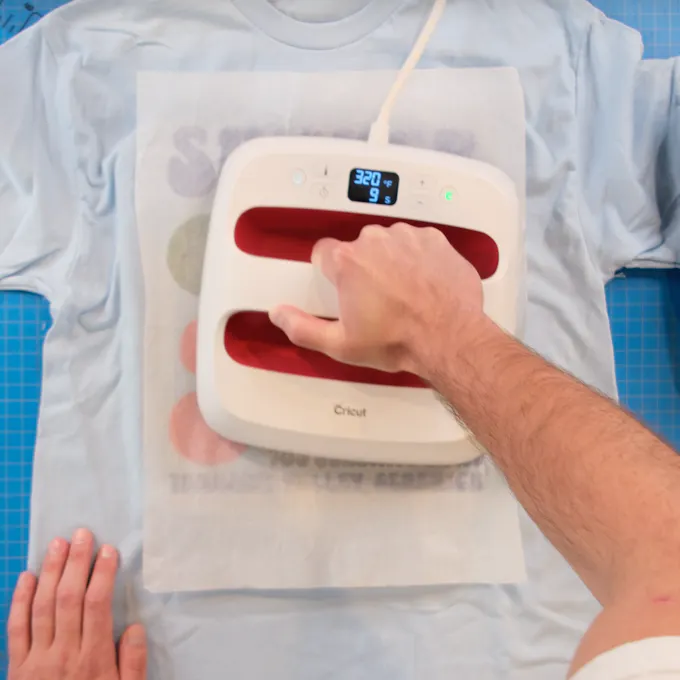
DTF Pressing Guide

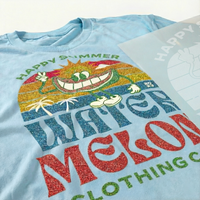
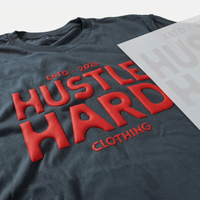
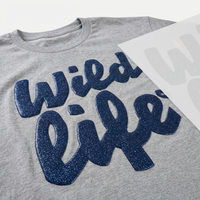
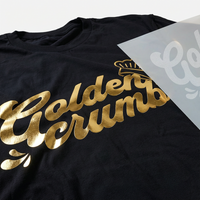
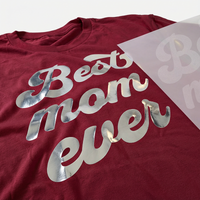
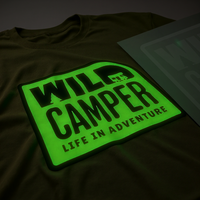
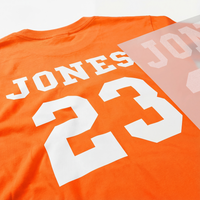
Includes: Vivid AF, Glitter DTF, Glow in the Dark DTF

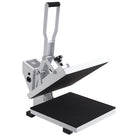
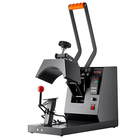
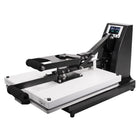
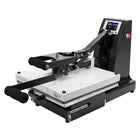
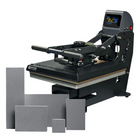
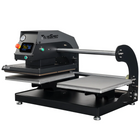
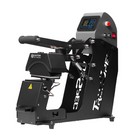
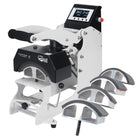
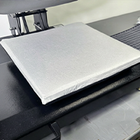
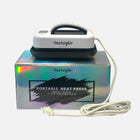
Step 1 — Select your heat source

Step 2 — Find Your Heat Press Settings

  • 100% CottonMost Popular
  • Cotton / Poly Blend
  • Polyester
  • Nylon
  • Tri-Blend
  • Denim
  • Twill & Canvas
  • Spandex & Koozies
  • Leather
  • Windbreakers
  • Beanies
Pressure Med-High
Temperature 310-320°F
Time 12 Sec
  • Use the Ninja Silicone Garment Protector for best results
  • Peel after 5 seconds, hot or cool
  • After your design has been pressed onto the garment, press again at same time and temp

Video Tutorial

Watch our step-by-step DTF Pressing Tutorial to ensure you get a perfect press every time.

1:23

Step by Step Instructions

1
Prep Your Garment — heat press

Prep Your Garment

Pre-pressing or pre-ironing is not necessary with Ninja Transfers. No need to remove moisture or wrinkles — just lay your garment on the press and you're ready to go. Only do a prepress if you prefer.

Pro Tip: If you're pressing onto a garment or surface you haven't worked with before, we recommend doing a small test press first to confirm the settings and ensure the best results.

2
Position Your Design — heat press

Position Your Design

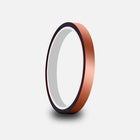
Position your transfer in the desired location and make sure it is flat before pressing. You can press across seams, for example on 6-panel hats and side seams of t-shirts. Heat-resistant tape is recommended when pressing on hats or when using a household iron to prevent the transfer from moving. You'll learn when it's needed with experience.

3
Press & Peel — heat press

Press & Peel

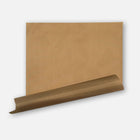
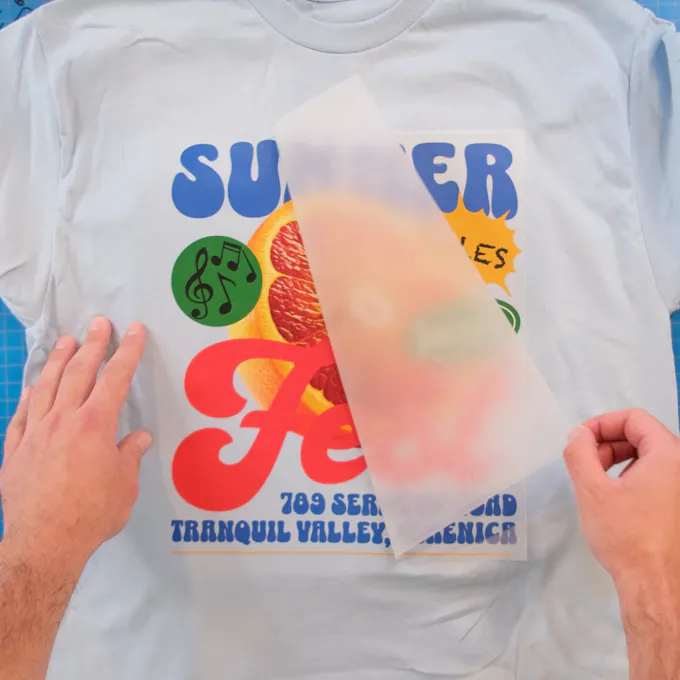
Press the transfer at 300-310°F with medium to high pressure for ~12 seconds. It's recommended to test your settings using a spare garment. Use the parchment paper provided to protect the transfer and garment from touching the iron directly. Let cool a few seconds, then peel!

Pro Tip: When ready to upgrade from parchment paper to streamline your process, order Ninja's Silicone Garment Protector. It allows you to press faster and more confidently by preventing burning/scorching.

4
Do a Final Press — heat press
The Ninja Difference

Do a Final Press

Important: While the majority of other DTF companies advise you to press it just once, this is improper. After hundreds of wash tests, we have found that a final press is imperative to create a superior product.

After the design is transferred onto the garment, with the film peeled off, cover the design with provided parchment paper or a single layer of T-shirt material and press for ~12 seconds. This greatly improves durability and softness while reducing shine.

Troubleshooting Common Issues

Even with perfect technique, issues can sometimes arise. Here's what to watch out for:

Transfer Not Adhering Properly

If your transfer isn't sticking to the fabric properly:
  • Lay it back down and press again with added pressure and heat (+15°F).
  • If that doesn't work, increase temperature by increments of 15°F until it transfers correctly.

Remember: Repeated pressing won't damage the transfer.

Design Cracking/Peeling After Washing

If your design cracks or peels after washing:
  • Always turn garments inside-out before washing
  • Wash in cold water on gentle cycle
  • Avoid bleach and harsh detergents
  • Air dry or tumble dry on low heat

Transfer Shifting During Application

If your transfer moves during application:
  • Use No-Melt Heat Tape to secure the transfer
  • Close the press gently to avoid air movement
  • Pre-press the garment to create a flat surface
  • Ensure your work surface is stable
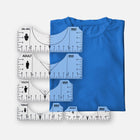
  • Consider using a placement guide or our DTF Alignment Ruler Set

Wash & Care

For best results and longevity, wash the garment inside out in cold water and dry on low heat or hang to dry. Washing it with standard settings works fine too, but as with anything, it lasts longer with more delicate handling.

Need Additional Help?

Our support team is ready to assist with any questions about applying your DTF transfers.